
Squarespace Image Compressor – Optimize Images Instantly for Faster Load Speed
Reduce image sizes without compromising quality and instantly boost your Squarespace site's performance.
 Effortless Image Optimization for Squarespace
Why Choose Our Squarespace Image Optimizer?
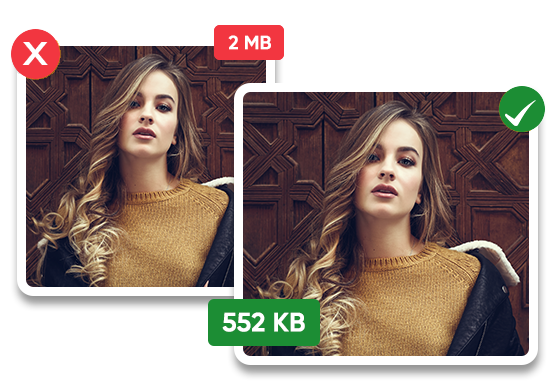
Large product photos or banners can slow your store and impact sales. Our Squarespace photo optimizer makes images efficient and visually sharp without losing quality.
One-Click Bulk Automation
Compress thousands of product images in a single click.
Upto 80% Compression
Shrink images up to 80% without compromising quality.
Autosync
New uploads are automatically compressed.
Backup & Security
Bulk and one-by-one restoration available for all images.
Are Heavy Images Hurting Your Squarespace Store?
Even slightly oversized product photos or banners can slow down your Squarespace store, frustrate visitors, and lead to higher bounce rates. Large, unoptimized images mean fewer shoppers actually see your products, which can directly impact sales and conversions.
Introducing the Squarespace Image Optimizer, your all-in-one solution for lighter, sharper, and more efficient images. This tool works as a Squarespace photo compressor, image resizer,and SEO image optimizer, reducing file sizes by up to 80% without sacrificing quality. Whether you need to compress your entire catalog in bulk, this tool handles it seamlessly — no coding required.
Why Image Optimization Matters
- A single large image can add several seconds to load times, especially on mobile devices where most visitors browse.
- Research shows nearly 40% of online shoppers will leave a site if images load too slowly or appear incorrectly.
- Large visuals directly affect revenue.
Transform your Squarespace store today. Start compressing and optimizing images with our tool and give your customers a smoother, more engaging browsing experience.
How It Works
Create Your Account
Sign up for an Image Optimizer Pro account to get started.
Connect Your Squarespace Site
Easily integrate using API Key and Site ID for a secure connection.
Choose Your Optimization Mode
Select between Manual Optimization and Automatic Optimization based on your preference.
Optimize Images & Boost Speed
- Manual Optimization: Optimize each image manually and replace originals with optimized versions.
- Automatic Optimization: Instantly scan and optimize all product images for faster loading.
Performance Impact of Using Squarespace Image Optimizer
Choose your website platform
30 - 60%
Faster Load Time
20 - 30%
Bounce Rate Reduction
+10 - 30
Point Increase in Google PageSpeed Score
Optimize
Squarespace Store Images Automatically
Without Compromising Quality
Watch the Quick Demo Video to understand the entire process
Explore Product Demo Videos Across Platforms!
- Wix
- Shopify
- Squarespace
- Bigcommerce
- Ecwid
- Webflow Coming Soon
Can't Find Your Platform ?
Browse All PlatformKey Features of the Squarespace Image Optimization Tool

Smart Image Compression
Automatically reduce image file sizes while keeping product photos, banners, and galleries crisp and vibrant.

Bulk Optimization
Process hundreds of images at once, saving time and eliminating tedious manual compression.

Automatic Image Resizing
Resize all product images, gallery photos, and banners to perfectly match your Squarespace theme.

Modern Format Support
Convert images to fast-loading formats like WebP and AVIF for better performance.

Easy Integration
Connects directly to your site with no coding or technical setup required.

Background Optimization
New images are compressed and resized automatically in real-time.
Flexible Compression Modes
Pick lossless mode or smart compression for maximum size reduction.
SEO-Friendly Images
Faster loading visuals help improve rankings and visibility.
Mobile-Friendly Optimization
Ensure images display perfectly across all devices.
Image Optimization Without Losing Quality
Can You Spot the Difference?
Move the slider to compare the optimized image with the original.
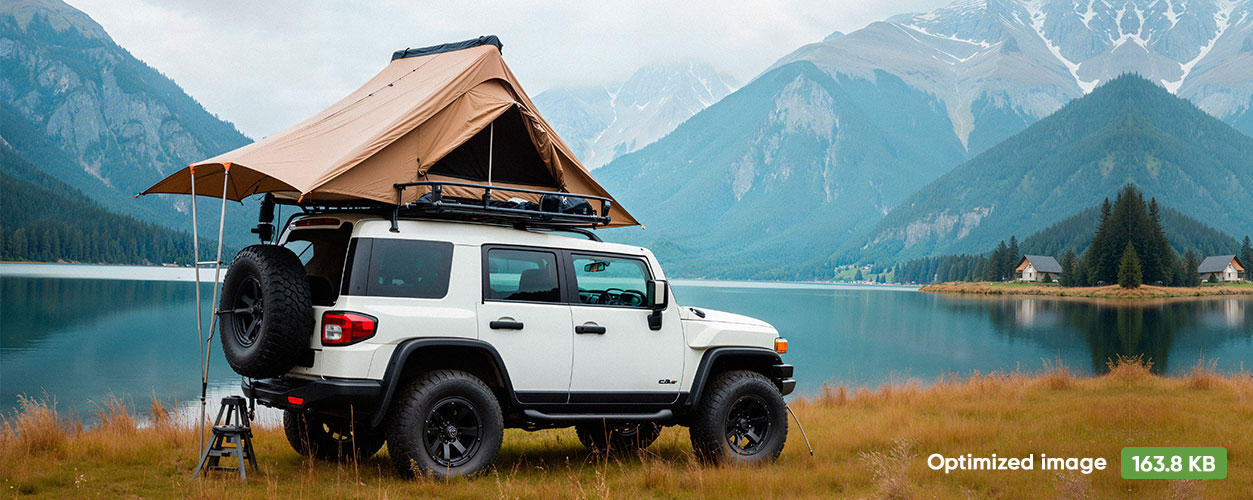
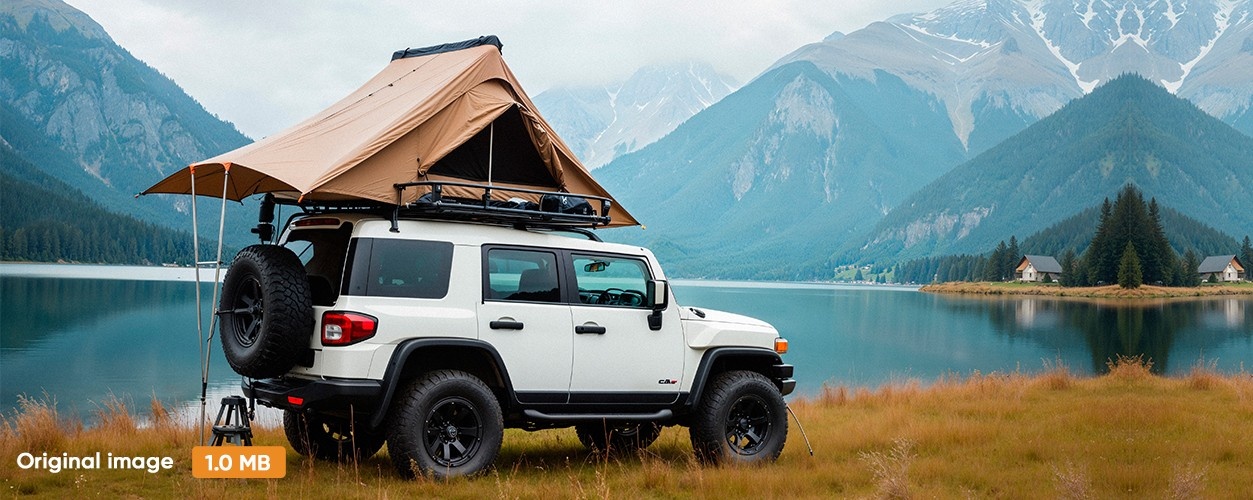
From 1MB → 163.8 KB in just one click.
The file size is reduced by more than 80% while maintaining the same clarity and detail!
Get Perfectly Optimized Images for Your Squarespace Store
Start optimizing your product images today with Squarespace Image Compressor.
What Our Customers Say
Effortless Image Optimization for Wix Stores. Very helpful for automatically optimizing our Wix images
Daniel Brooks
Web Developer

Easy Optimization That Actually Work. We ran a before-and-after speed performance test and gained a 5% jump.
Emily Carter
Creative Director & Website Owner

Love this app! It can't get any easier than this. Highly impressed with performance.
Ethan Parker
Digital Marketer

I really love it! Effortlessly reduces image size without compromising quality.
Jessica Moore
Ecommerce Store Owner

Very helpful and intuitive tool. Highly recommended!
Michael Reed
Digital Marketer

Easy to Use and Works! Free trial is very fair.
Olivia Bennett
UI/UX Designer